|
WEBSITE IS UNDER CONSTRUCTION FOR ANY ENQUIRIES PLEASE CONTACT US VIA PHONE OR EMAIL
Toggle Nav




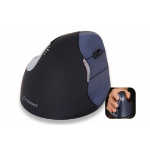
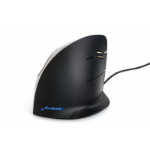
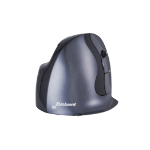
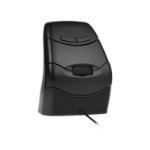
BakkerElkhuizen Evoluent3 Mouse (Right Hand)
€103.36
€86.86
800/1300/1800/2600 DPI, USB-A, 86 x 111 x 77 mm, 184 g
Out of stock
SKU
BNEEVR
Write Your Own Review
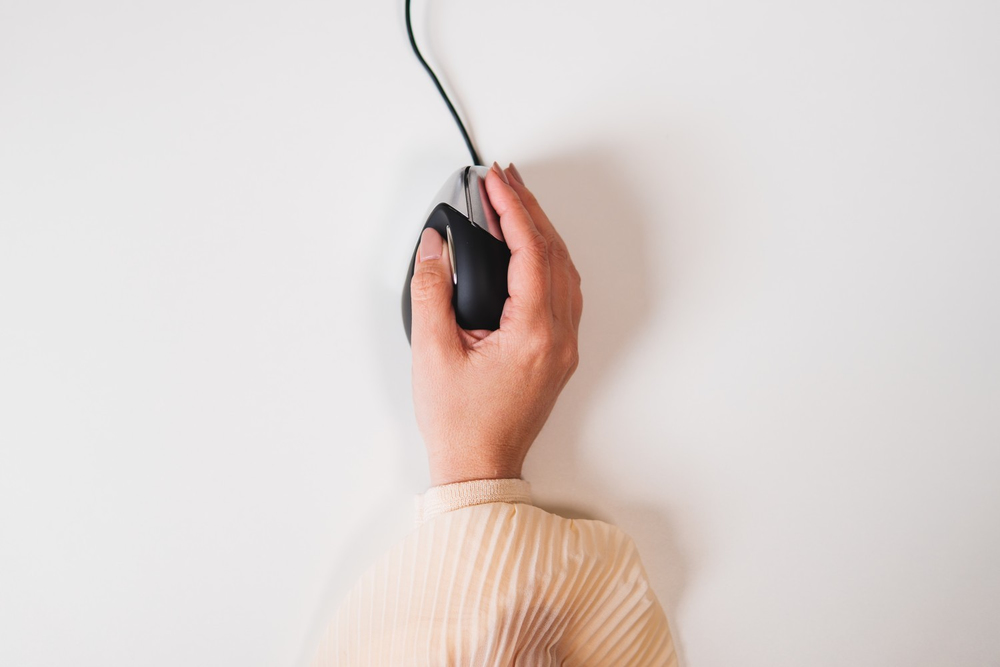
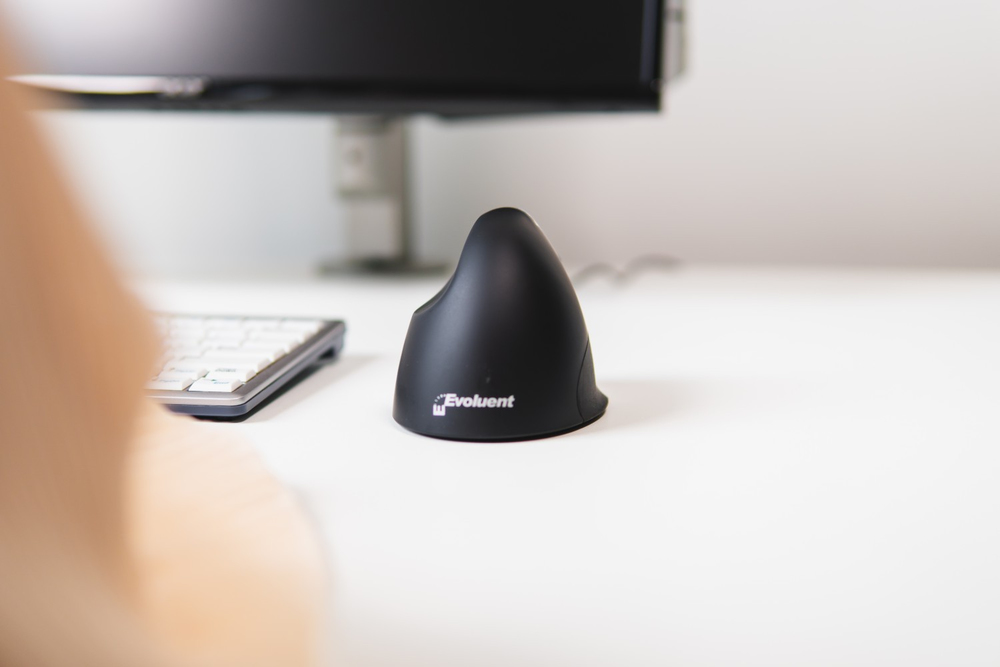
Natural posture, more comfort.
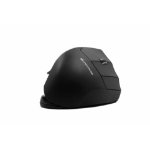
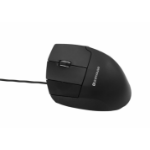
Due to its patented vertical design, the Evoluent3 provides significant relief to the hand, wrist, and forearm. The relaxation of the muscles in the arm and hand ensures that you can work comfortably without physical discomfort. The extra lip prevents your little finger to rub on the mouse pad. The vertical shape and the lip guarantee more comfort for your mouse work, and this will increase your productivity.
- Prolonged use of a regular mouse can lead to pain and discomfort in the shoulders, forearms, and hands (Chang et al., 2007 & Andersen et al., 2008).
- And therefore, vertical mice compared to standard mice lead to a healthier and more comfortable way of working.
Ergonomic background
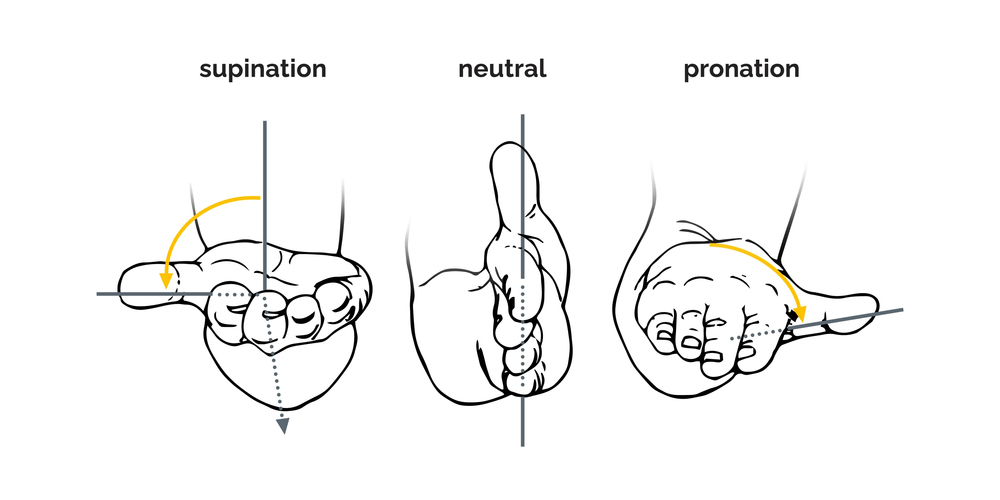
Prolonged use of a regular mouse can lead to pain and discomfort in the shoulders, forearms, and hands (Chang et al., 2007 & Andersen et al., 2008). The handshake position of vertical mice keeps the wrist from bending as much to the side while the forearm also turns inward to a lesser degree (Schmid, et al., 2015). This means that muscle activity in the forearm is less than it would be when using a conventional mouse (Quemelo & Vieira, 2013). Research has shown that the use of a vertical joystick mouse ensures a faster recovery from forearm, wrist and hand complaints (Aarås, et al., 2001). And therefore, vertical mice compared to standard mice lead to a healthier and more comfortable way of working.
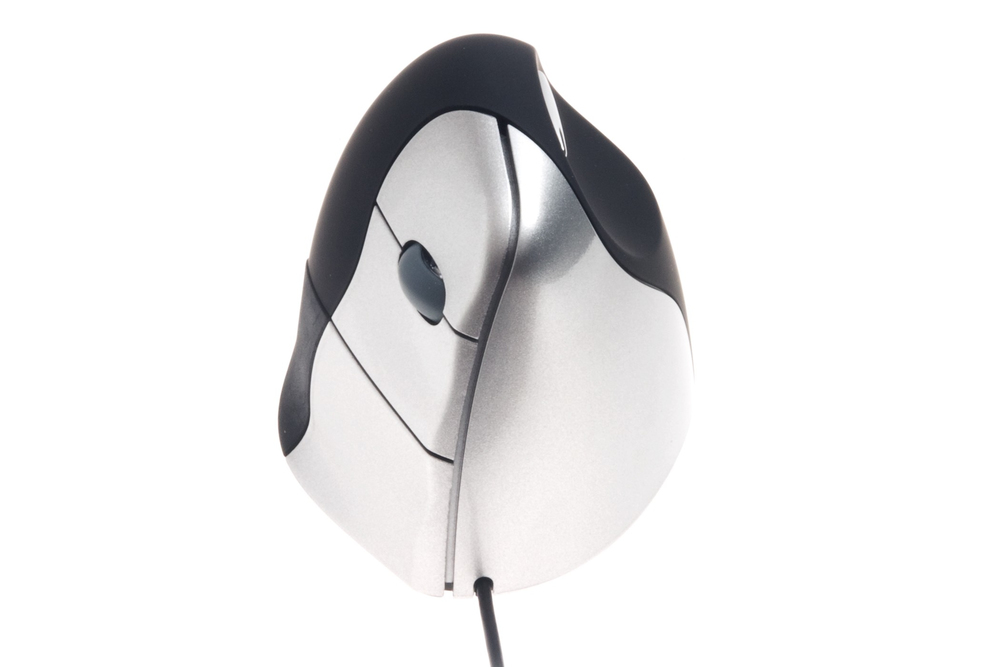
Five buttons.
The Evoluent3 has five buttons, which also includes a scroll-wheel.
- The top button is for the left click, and with the scroll-wheel you can scroll and zoom in common computer programs.
- The middle button is for the right click.
- The third button at the bottom is for going back and the thumb button is for going forward.
Programme your buttons individually.
With the free download version of the Evoluent Mouse Manager software, you can easily configure the four buttons. An individual setting of your mouse buttons, guarantees an efficient way of working.

Start working wired and easy.
Thanks to the plug-and-play technology the Evoluent3 can be added to the computer without having to do a manual configuration. Just put the USB cable (2000 mm) of this wired mouse model in your computer and start working. You will adapt to this vertical mouse model in a very short period.
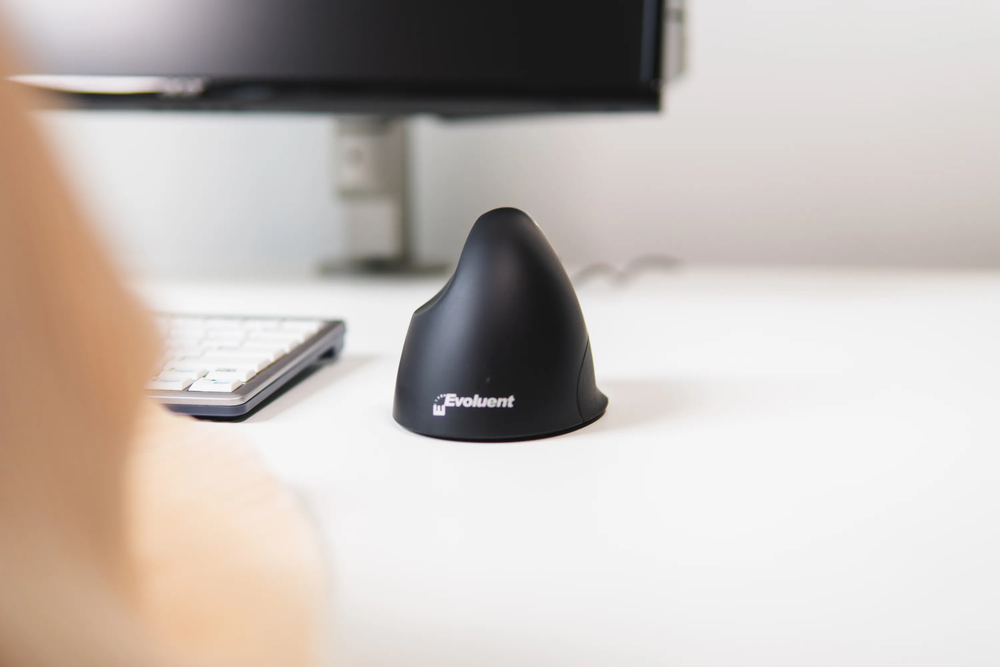
Adjust your DPI.
With the Evoluent3 you can adjust the pointer speed. Change your pointer speed for different working task: select higher speed (higher DPI) to make the pointer move faster for general use; select lower speed (lower DPI) to make the pointer move slower and more precisely for drawing, photo editing, etc. This makes a precise screen navigation possible. The pointer speed button can be found on the underside of the mouse. Choose one of the four different DPI-values (800-1300-1800-2600). For each DPI-value a different light is on, and those are also written down next to the button on the underside.

Design. Hand size. Grip.
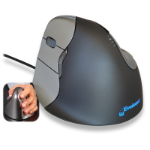
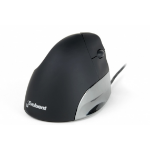
This vertical Evoluent Mouse has a nice black design with a matt finish with silver-coloured buttons. It is suitable for right-handers with medium to large sized hands. The matt material of the surface of the Evoluent3 ensures a good grip. The combination of the correct mouse size for your hand and the material of the surface, ensures that this mouse lies in your hand comfortable, stable, and you can work in a healthier way.
A good screen navigation in a healthy posture.
The Evoluent3 has the patented ergonomic shape with an extra lip, which supports the last finger. This vertical mouse has great features, like four mouse buttons, a scroll-wheel, and a button to adjust the DPI. Further you can programme the buttons with the Evoluent Mouse Manager software. Relieve your hand, wrist, and forearm with the support of the vertical design, and work in a more relaxed and productive way.
The Evoluent3 has the patented ergonomic shape with an extra lip, which supports the last finger. This vertical mouse has great features, like four mouse buttons, a scroll-wheel, and a button to adjust the DPI. Further you can programme the buttons with the Evoluent Mouse Manager software. Relieve your hand, wrist, and forearm with the support of the vertical design, and work in a more relaxed and productive way.
| Mouse | |
|---|---|
| Number of movement resolution modes | 4 |
| Customizable movement resolution | Yes |
| Number of programmable buttons | 5 |
| Buttons type | Pressed buttons |
| Purpose | Office |
| Recommended usage | PC |
| Scroll | Yes |
| Button functions | DPI switch, Forward, Back |
| Movement resolution | 2600 DPI |
| Scrolling directions | Vertical |
| Scroll type | Wheel |
| Programmable mouse buttons | Yes |
| Number of scroll wheels | 1 |
| Movement detection technology | Laser |
| Buttons quantity | 5 |
| Device interface | USB Type-A |
| Input device | |
| Number of movement resolution modes | 4 |
| Customizable movement resolution | Yes |
| Number of programmable buttons | 5 |
| Buttons type | Pressed buttons |
| Purpose | Office |
| Recommended usage | PC |
| Scroll | Yes |
| Button functions | DPI switch, Forward, Back |
| Movement resolution | 2600 DPI |
| Scrolling directions | Vertical |
| Scroll type | Wheel |
| Programmable mouse buttons | Yes |
| Number of scroll wheels | 1 |
| Movement detection technology | Laser |
| Buttons quantity | 5 |
| Device interface | USB Type-A |
| Ports & interfaces | |
| Cable length | 2.1 m |
| Design | |
| Product colour | Black, Silver |
| Form factor | Right-hand |
| Material | Plastic |
| Ergonomic design | Yes |
| Vertical design | Yes |
| Technical details | |
| Weight | 184 g |
| Product colour | Black, Silver |
| Form factor | Right-hand |
| Plug and Play | Yes |
| Material | Plastic |
| Button functions | DPI switch, Forward, Back |
| Scrolling directions | Vertical |
| Programmable mouse buttons | Yes |
| Number of scroll wheels | 1 |
| Ergonomic design | Yes |
| Harmonized System (HS) code | 84716070 |
| Warranty period | 5 year(s) |
| Ergonomics | |
| Plug and Play | Yes |
| Cable length | 2.1 m |
| Ergonomic design | Yes |
| Vertical design | Yes |
| Power | |
| Power source | Cable |
| Software | |
|---|---|
| Windows operating systems supported | Windows 10, Windows 11, Windows 7, Windows 8, Windows 8.1 |
| Mac operating systems supported | Mac OS X 10.10 Yosemite, Mac OS X 10.11 El Capitan, Mac OS X 10.12 Sierra, Mac OS X 10.13 High Sierra, Mac OS X 10.14 Mojave, Mac OS X 10.15 Catalina, Mac OS X 10.15.3 Catalina, Mac OS X 10.5 Leopard, Mac OS X 10.6 Snow Leopard, Mac OS X 10.7 Lion, Mac OS X 10.7.5 Lion, Mac OS X 10.8 Mountain Lion, Mac OS X 10.9 Mavericks, Mac OS X 11.0 Big Sur, Mac OS X 12.0 Monterey, Mac OS X 13.0 Ventura |
| Linux operating systems supported | Yes |
| System requirements | |
| Windows operating systems supported | Windows 10, Windows 11, Windows 7, Windows 8, Windows 8.1 |
| Mac operating systems supported | Mac OS X 10.10 Yosemite, Mac OS X 10.11 El Capitan, Mac OS X 10.12 Sierra, Mac OS X 10.13 High Sierra, Mac OS X 10.14 Mojave, Mac OS X 10.15 Catalina, Mac OS X 10.15.3 Catalina, Mac OS X 10.5 Leopard, Mac OS X 10.6 Snow Leopard, Mac OS X 10.7 Lion, Mac OS X 10.7.5 Lion, Mac OS X 10.8 Mountain Lion, Mac OS X 10.9 Mavericks, Mac OS X 11.0 Big Sur, Mac OS X 12.0 Monterey, Mac OS X 13.0 Ventura |
| Linux operating systems supported | Yes |
| Other operating systems supported | ChromeOS, Unix |
| Weight & dimensions | |
| Weight | 184 g |
| Width | 86 mm |
| Depth | 111 mm |
| Height | 77 mm |
| Packaging data | |
| Package weight | 250 g |
| Package width | 110 mm |
| Package depth | 110 mm |
| Package height | 100 mm |
| Quantity per pack | 1 pc(s) |
| User guide | Yes |
| Packaging content | |
| User guide | Yes |
| Logistics data | |
| Quantity per pack | 1 pc(s) |
| Harmonized System (HS) code | 84716070 |
| Other features | |
| Weight | 184 g |
| Warranty period | 5 year(s) |




























































































You may also be interested in
| Product |
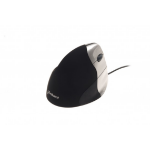
Popular
BakkerElkhuizen Evoluent3 Mouse (Right...
€103.36
€86.86
|
New
3Dconnexion CadMouse Pro mouse Office...
€136.95
€115.08
|
Recommended
R-Go Tools Ergonomic mouse R-Go HE Bre...
€97.83
€82.21
|
 R-Go Tools Ergonomic mouse R-Go HE Bre...
€104.99
€88.23
|
Bestseller
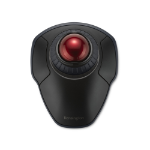
Kensington Orbit Wireless Trackball wi...
€90.87
€76.36
|

Hot Product
3Dconnexion CadMouse Compact Wireless...
€92.45
€77.69
|
|---|---|---|---|---|---|---|
| SKU |
BNEEVR
|
3DX-700080
|
RGOHELELAWL
|
RGOHBRSWLBL
|
K70992WW
|
3DX-700118
|
| Manufacturer |
BakkerElkhuizen
|
3Dconnexion
|
R-Go Tools
|
R-Go Tools
|
Kensington
|
3Dconnexion
|
| Buttons quantity |
5
|
7
|
5
|
5
|
2
|
7
|
| Movement detection technology |
Laser
|
Optical
|
N/A
|
N/A
|
Optical
|
Optical
|
| Purpose |
office
|
office
|
N/A
|
office
|
N/A
|
office
|
| Device interface |
USB Type-A
|
USB Type-A
|
RF Wireless
|
Bluetooth
|
N/A
|
RF Wireless + Bluetooth + USB Type-C
|
| Scroll type |
Wheel
|
Wheel
|
Wheel
|
Wheel
|
N/A
|
Wheel
|
| Product type |
N/A
|
N/A
|
N/A
|
N/A
|
Trackball
|
N/A
|
| Connectivity technology |
N/A
|
N/A
|
Wireless
|
Wireless
|
N/A
|
Wired & Wireless
|